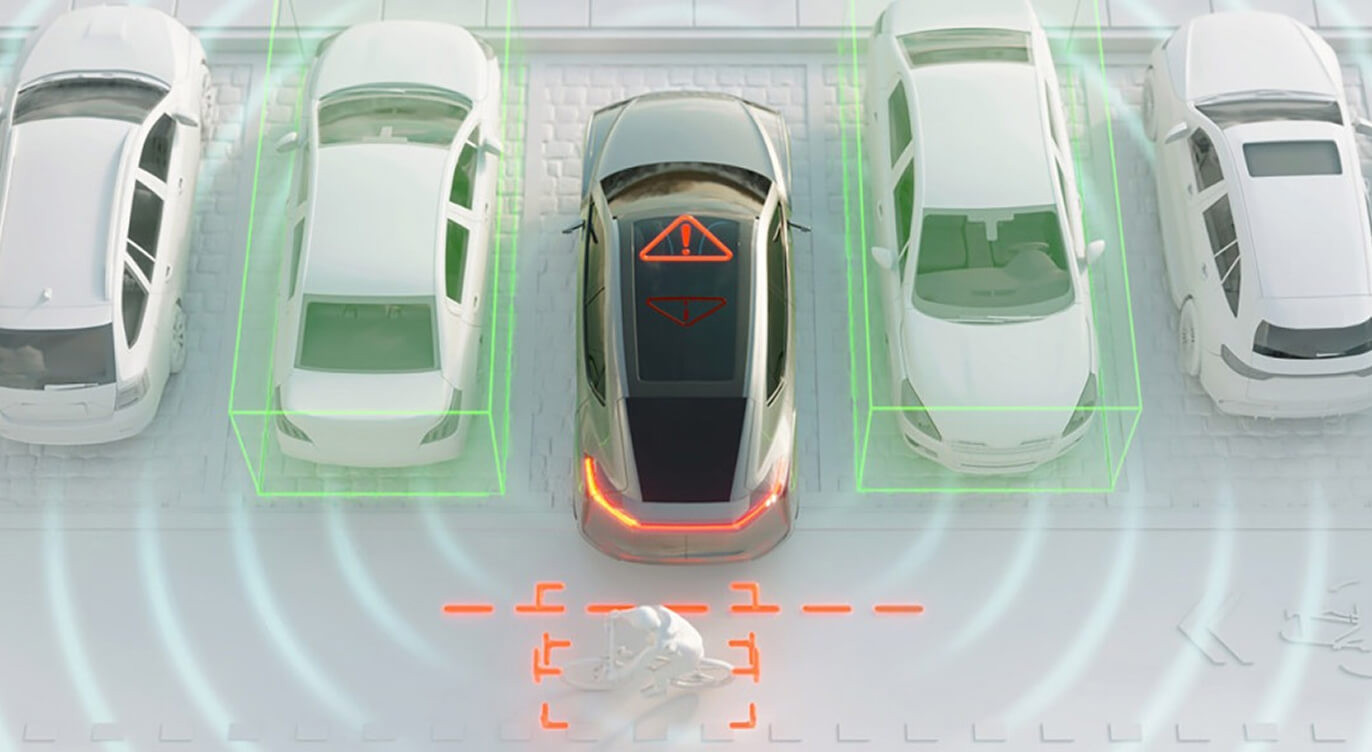
Content Card Widgets
How to use
Browse the examples below and choose the arrangement that fits your content. Expand Build this example to see the Sitefinity widget, layout, content fields, and appearance settings. Add the widget to your page, follow the setup instructions, and preview on desktop and mobile before publishing.
2-column layout. Headline + Button. 50% opacity BLACK rectangle OVERLAY.
2-column layout. Headline + Button. No opacity rectangle OVERLAY.
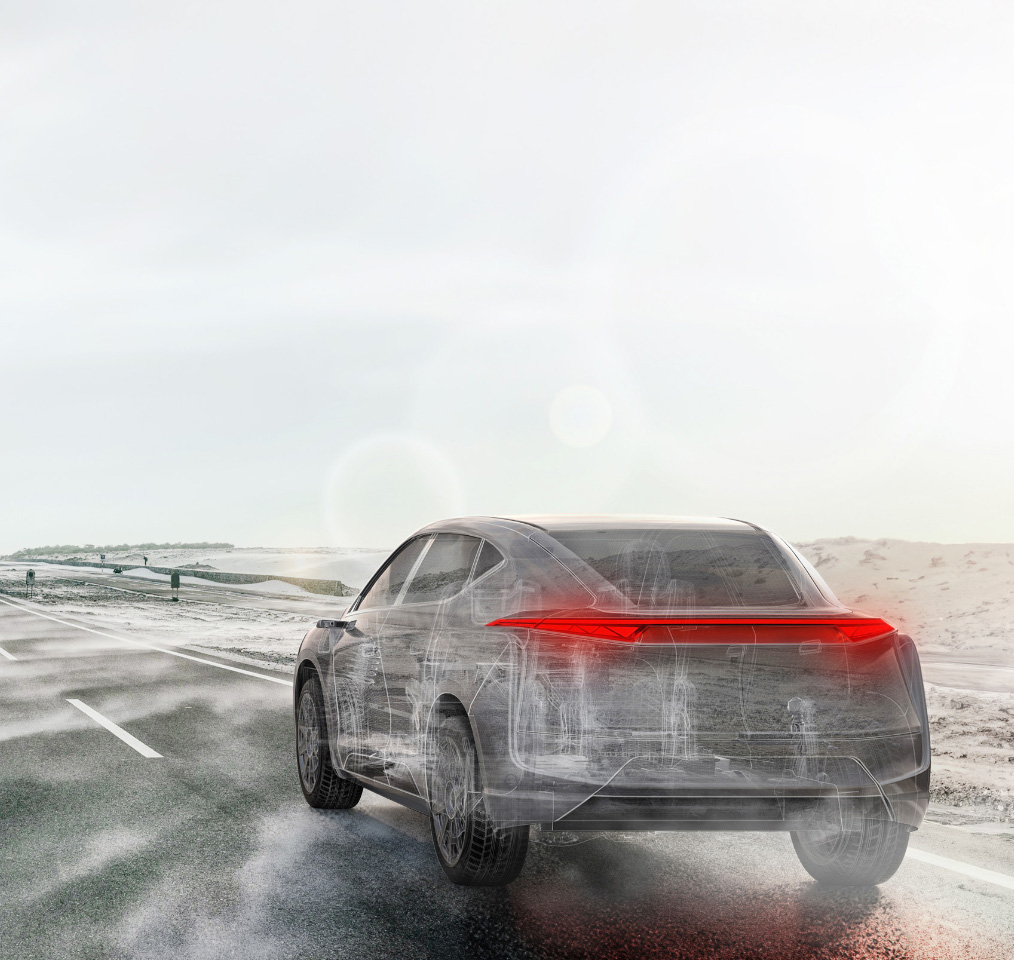
Complete Vehicle Engineering
Learn more2-column layout. Headline + Button. 50% opacity GRADIENT rectangle OVERLAY.
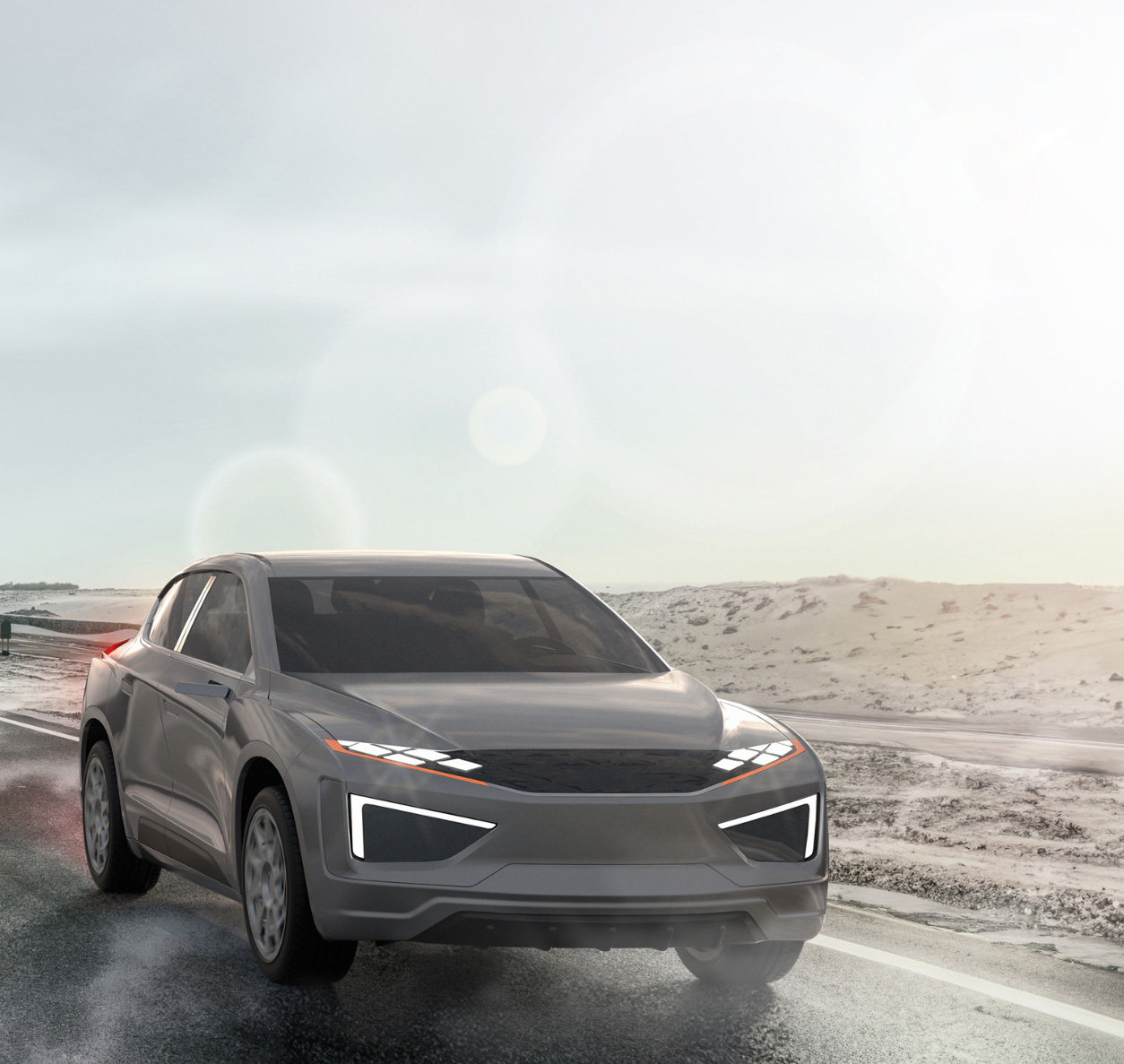
Complete Vehicle Manufacturing
Learn more3-column layout. Headline + Button. 50% opacity BLACK rectangle OVERLAY.
ADAS & Automated Driving
Learn more3-column layout. Headline + Button. 50% opacity BLACK rectangle OVERLAY.
Complete Vehicle Engineering
Learn more3-column layout. Headline + Button. 50% opacity GRADIENT rectangle OVERLAY.
Complete Vehicle Manufacturing
Learn more4-column layout. Headline + Button. 50% opacity BLACK rectangle OVERLAY.
ADAS & Automated Driving
Learn more4-column layout. Headline + Button. No opacity rectangle OVERLAY.
Complete Vehicle Engineering
Learn more4-column layout. Headline + Button. 50% opacity GRADIENT rectangle OVERLAY.
Complete Vehicle Manufacturing
Learn moreHeadline + 3 COLUMN Cards with Heading and Buttonlink. VERSION 2
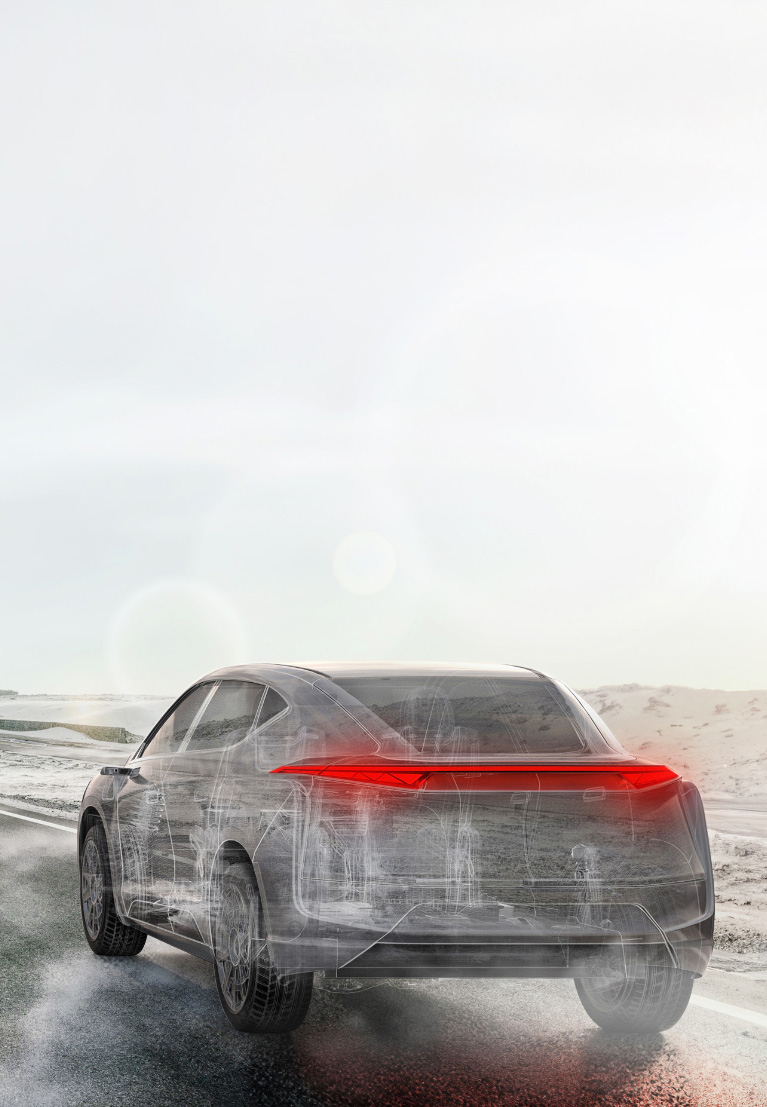
Complete Vehicle Engineering
Button Link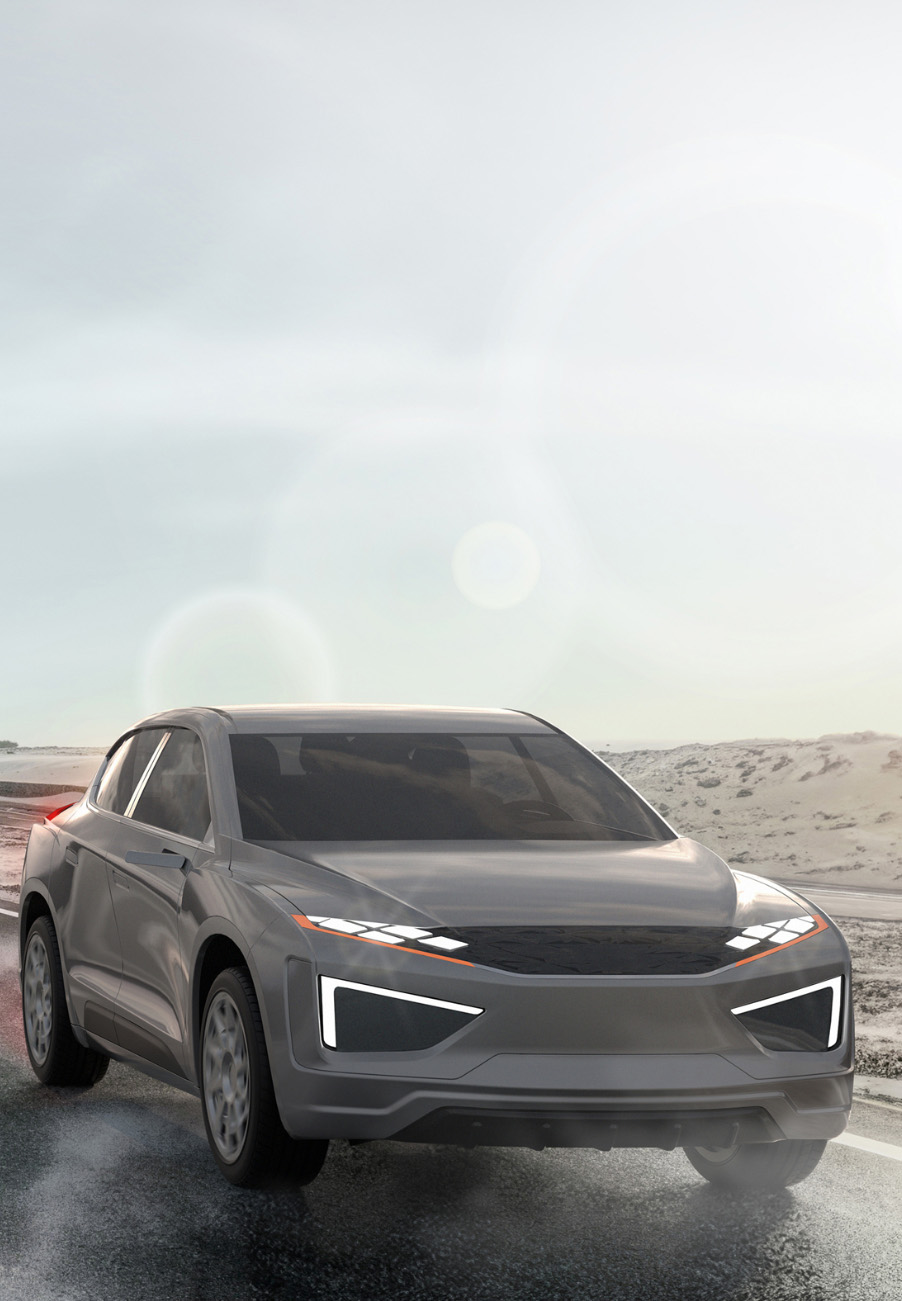
Complete Vehicle Manufacturing
Button Link